
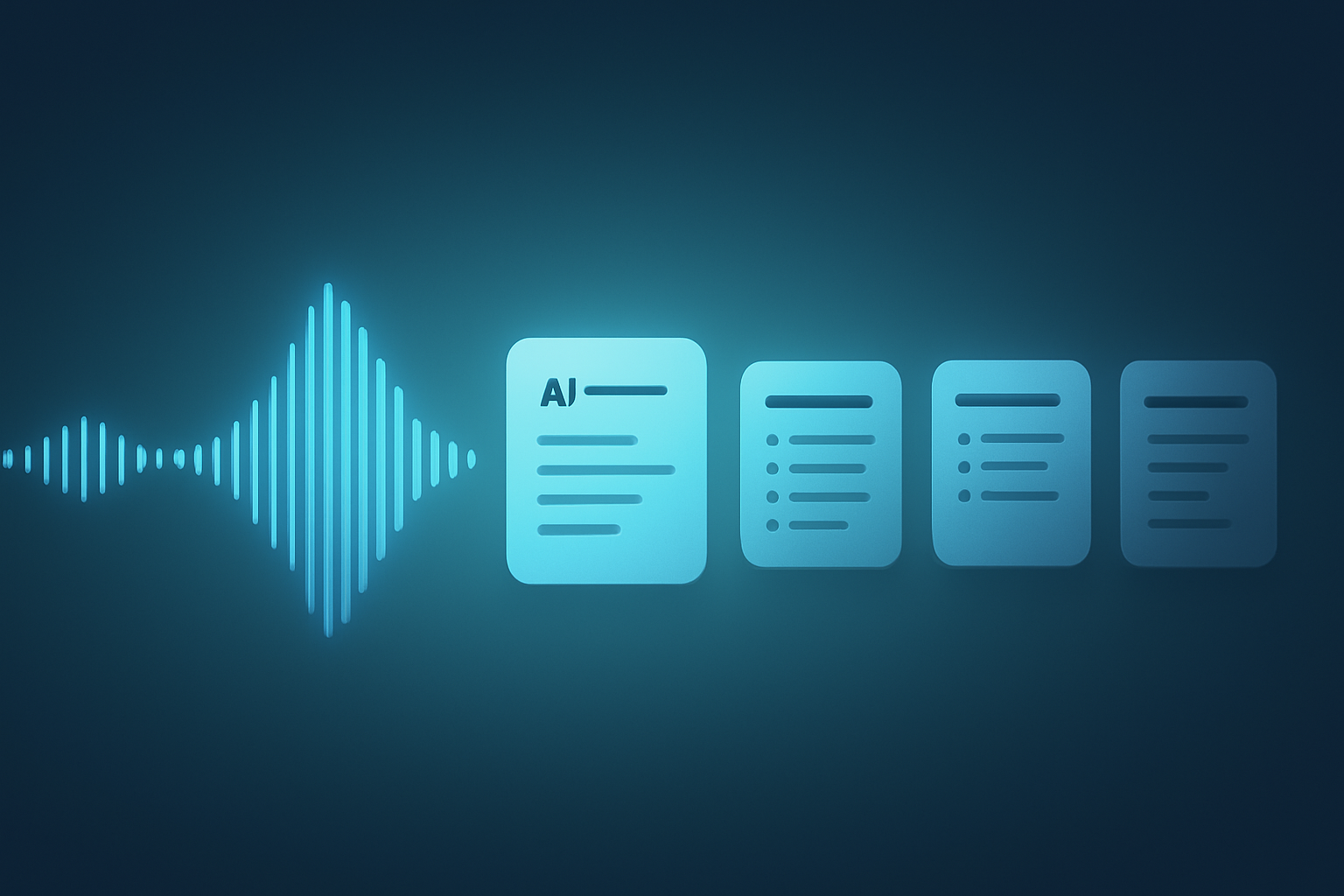
Every team loses time rewriting what was said in meetings, and AI meeting notes promise to end that work by recording, transcribing, and summarizing calls automatically. The category has grown fast, and the tools now differ in important ways. This page explains what AI meeting notes are, what they can capture, how free and paid plans compare, and how to evaluate a tool before you commit.
What AI meeting notes are
AI meeting notes are summaries generated automatically from a recorded conversation. The tool captures the meeting, transcribes the speech, and then turns that transcript into structured output: decisions, action items, and a short recap [atlassian.com].
The mechanism is consistent across tools. Speech becomes text, and text becomes structure. A model identifies who spoke, what they committed to, and what the group decided, then formats it so you can scan the result in seconds rather than replaying the call.
The value is not the transcript itself; it is the decision and the next step pulled out of the noise.
What separates good tools from weak ones is how much context they preserve and how cleanly they hand it back to you. A raw transcript is data. A clear list of decisions is useful.
What an AI notetaker can capture
Most tools capture audio, but the strongest ones capture more. The capture surface decides how complete your notes are.
- Audio: the spoken record, transcribed with speaker labels.
- Screen: the slides, dashboards, and demos that carry much of a modern meeting.
- Video: the visual record, useful for product reviews and walkthroughs.
Audio-only notes work well for interviews and discussions. They fall short the moment a meeting becomes a screen-share, because the transcript says “as you can see here” without showing what here was. Tools that add multimodal capture — audio, screen, and video together — close that gap, which is why capture surface is the first thing to check [wizideo.ai].
Free vs paid AI meeting notes
Almost every tool offers a free tier, and the differences between free and paid plans are predictable.
Free plans usually cover a small number of meetings or a monthly minute cap, enough to evaluate the tool on real calls [pcmag.com]. Paid plans remove those caps and add the features teams depend on: longer retention, advanced summaries, integrations, and admin controls.
- Free tiers suit individuals testing the category or running occasional calls.
- Paid tiers suit teams that need reliable capture, retention, and shared access.
- Watch the caps: a generous-looking free plan can still limit monthly minutes sharply.
The practical advice is to test on your actual meetings during the free tier, then price the paid plan against the time it saves your team each week.
How to evaluate an AI meeting notes tool
Score candidates on a short, honest checklist rather than a long feature list.
- Capture surface — does it record screen and video, or only audio?
- Output quality — are the summaries and action items accurate and usable?
- Privacy and control — can it run without a bot, and where does your data live?
- Workflow fit — does it push notes into the tools your team already uses?
Test the tool on the messiest meeting you run, not the cleanest, because that is where weak capture shows.
Run two tools on the same meeting and compare the output. The differences in accuracy and structure become obvious immediately, and the comparison is faster than reading any review.
Frequently Asked Questions
Do AI meeting notes require a bot to join the call?
No. There are two capture models. Bot-based tools send a visible participant into the meeting, which every attendee sees and which some companies block outright. Bot-free tools capture from your own device instead, so nothing joins the call. Wizideo works the second way, through a desktop app for Windows and macOS that records locally, or a Chrome extension that captures in the browser.
Can I record a meeting without installing software?
Yes, if the tool offers a browser route. Wizideo’s Chrome extension records and syncs a meeting in one click, which is usually the fastest way to trial the category on a real call before rolling anything out to a team.
Do AI meeting notes capture what is shared on screen?
Most tools do not — they transcribe audio only, which is why transcripts are full of phrases like “as you can see here” with no record of what here was. Multimodal tools capture audio, screen, and video together, so demos, dashboards, and code walkthroughs stay in the record.
Is a free plan enough to evaluate a tool?
Usually yes for evaluation, rarely for daily use. Free tiers tend to cap monthly minutes or meeting counts, which is fine for testing on a handful of real calls but runs out quickly for a team with daily standups and customer calls.
Conclusion
AI meeting notes turn conversations into decisions and action items, but tools differ most in what they actually capture. Audio-only notes serve simple calls, while multimodal capture preserves the screens and demos that fill modern meetings. Pick your two top candidates, run them on the same real meeting, and let the side-by-side notes decide; if your meetings involve screens, include a multimodal tool like Wizideo in that test.